
Managing employees involves more than hiring people and processing salaries. HR teams handle attendance, leave requests, onboarding, payroll inputs, employee records, and performance reviews. When these activities depend on disconnected spreadsheets and emails, routine HR work becomes difficult to coordinate.
Human resource solutions help businesses organize these processes through connected software and structured workflows. This guide explains how modern HR solutions work, the features businesses should evaluate, and how Indian organizations can choose the right HR management system.
Key Takeaways
- Human resource solutions help businesses manage employee information and HR operations through digital tools.
- HRMS software connects activities such as employee records, attendance, leave, payroll, and onboarding.
- HR automation can reduce repetitive administrative work and improve workflow consistency.
- Employee self-service allows staff to access information and submit routine requests.
- Integrated HR management software supports coordination between HR, finance, managers, and employees.
- Choosing the right HR solution requires evaluating features, data security, cost, implementation, and support.
What Are Human Resource Solutions?
Human resource solutions are software systems, tools, and services that help businesses manage employees, automate HR processes, and organize workforce-related information.
These solutions cover activities throughout the employee lifecycle, including recruitment, onboarding, attendance, leave, payroll, performance management, and employee separation.
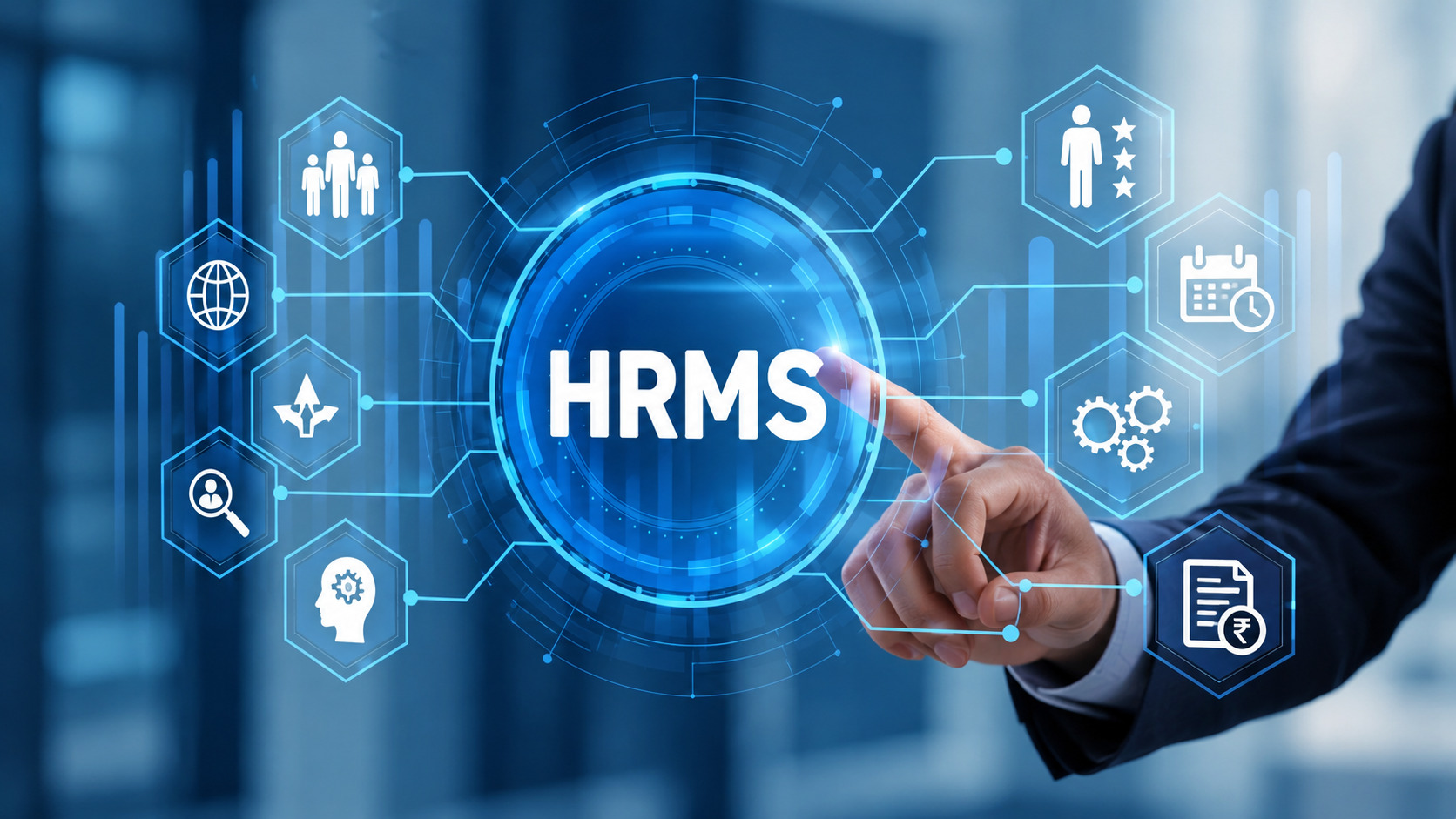
A Human Resource Management System (HRMS) combines several of these functions within a connected software environment.
For example, a business may maintain employee details in spreadsheets, collect leave requests through emails, and prepare payroll using separate attendance records. An integrated HRMS can bring these activities together, giving authorized teams a more consistent way to manage information.
Businesses exploring these capabilities can review Munshify’s HRMS platform.
Why Are Human Resource Solutions Important for Businesses?
Human resource solutions help organizations manage growing administrative requirements while maintaining consistent employee information and workflows.
As businesses expand, the number of employees, approvals, payroll calculations, and reporting requirements increases.
Without organized processes, HR teams may spend considerable time checking information, correcting records, and following up on pending tasks.
Reduce Repetitive Administrative Work
HR automation software can simplify recurring activities such as leave approvals, employee record updates, and routine notifications.
For example, a configured leave workflow can route requests to the responsible manager and update records after approval.
Improve Employee Record Management
An employee management system maintains workforce information in a centralized environment.
Authorized HR staff can access relevant records without searching through multiple files or email conversations.
Support Better HR and Finance Coordination
Attendance, leave, and payroll information are closely connected.
Integrated human resource solutions can help HR and finance teams review relevant information through coordinated processes instead of repeatedly transferring data between separate systems.
Improve the Employee Experience
Employee self-service tools allow staff to access supported information, review payslips, and submit requests without relying on manual HR follow-ups.
How Do Modern Human Resource Solutions Work?
Modern human resource solutions work by connecting employee information, approval workflows, and administrative modules through an HR management platform.
Each module manages a specific process. Together, these modules can support the employee lifecycle from recruitment to separation.
Consider a common employee onboarding workflow:
- HR creates or imports an approved employee record.
- The employee submits required information and documents.
- Relevant teams complete onboarding tasks.
- HR configures applicable attendance, leave, and payroll details.
- Authorized managers access employee information according to their permissions.
The exact level of automation depends on the selected HRMS and its configuration.
Connected workflows can reduce duplicate data entry while helping teams maintain clearer records of completed and pending activities.
What Features Should Businesses Look for in HR Management Software?
The right human resource solutions should address everyday workforce management requirements without introducing unnecessary complexity.
Employee Records and Document Management
A centralized employee database helps HR teams organize personal details, employment information, and documents.
Role-based permissions can limit access to authorized users.
Attendance and Shift Management
Attendance management software supports employee time records, shift schedules, and attendance reporting.
Some HRMS platforms support biometric devices and location-based attendance, which may be useful for businesses operating across multiple sites.
Leave Management and Approvals
Leave management software organizes leave requests, manager approvals, balances, and related reports.
Configurable policies allow businesses to reflect applicable leave rules within supported workflows.
Payroll Management
Payroll management software helps teams prepare salaries using relevant employee information, attendance records, and configured payroll rules.
Businesses in India should assess statutory requirements, payroll review controls, and the availability of necessary reports before adopting a system.
Explore how HRMS and payroll software support HR administration.
Recruitment and Onboarding
Recruitment management tools help HR teams organize applications, track candidates, and manage joining procedures.
Digital onboarding workflows can improve visibility into pending tasks and documentation.
Performance Management
Performance management tools support employee goals, feedback, and structured reviews.
Organizations should confirm that available review methods align with their existing performance management policies.
How Do Human Resource Solutions Improve Everyday HR Workflows?
Human resource solutions create the most practical value when they address specific administrative problems.
The following examples illustrate common HR challenges and the processes software can support.
| HR challenge | HR solution | Potential operational benefit |
|---|---|---|
| Employee information stored across files | Centralized employee database | More consistent record management |
| Manual attendance reconciliation | Digital attendance tracking | Less repetitive data consolidation |
| Leave approvals through emails | Automated approval workflows | Clearer request status and tracking |
| Repeated payroll preparation tasks | Integrated payroll processes | Better coordination of payroll inputs |
| Delayed onboarding activities | Digital onboarding workflows | Improved task visibility |
| Scattered performance records | Structured performance reviews | More organized feedback and records |
These benefits depend on the organization’s processes, software configuration, and employee adoption.
Businesses should measure improvement through practical indicators such as approval turnaround time, payroll corrections, record accuracy, and HR support requests.
How Does Munshify Provide Human Resource Solutions?
Munshify HRMS is a workforce management platform designed to connect important HR activities through a unified system.
Its published capabilities cover employee records, leave workflows, attendance, payroll-related operations, recruitment, onboarding, and performance management.
Centralized Employee Management
Munshify lists a centralized employee database, digital document management, and role-based access controls.
These capabilities help HR teams organize employee information while managing access to sensitive records.
Attendance and Leave Workflows
The platform describes biometric attendance integration, GPS-based attendance, flexible shifts, configurable leave policies, and approval workflows.
Businesses can evaluate these functions against their attendance rules and leave management requirements.
Recruitment and Employee Lifecycle
Munshify also lists applicant tracking, digital onboarding, asset tracking, and employee separation workflows.
These modules can support processes across different stages of employment.
Employee Self-Service and Reporting
The product page highlights employee access to payslips, leave requests, and selected information, alongside reporting and dashboard capabilities for authorized teams.
Businesses should confirm their required modules, integrations, payroll configuration, and implementation scope during a product demonstration.
For additional guidance, explore HRMS features and system selection.
How Should Indian Businesses Choose the Right HR Solution?
Choosing human resource solutions requires understanding current HR challenges before comparing software providers.
First, identify operational priorities. Determine whether the main problem involves attendance, payroll coordination, employee records, leave approvals, or onboarding.
Next, evaluate the following areas:
- Required features: Confirm that essential HR processes are supported.
- Ease of use: Test the experience for employees, managers, HR, and finance.
- Data security: Review access controls, backups, and employee information handling.
- Integrations: Verify compatibility with existing attendance, accounting, and other systems.
- Payroll requirements: Check the availability of applicable Indian payroll and statutory reporting functions.
- Total cost: Compare licensing, implementation, migration, training, and support expenses.
Request a demonstration using realistic workflows rather than relying only on feature lists.
For payroll-specific evaluation, review payroll compliance software considerations.
What Should Businesses Do Before Implementing an HRMS?
Successful HRMS implementation begins with accurate employee records, clear policies, and defined responsibilities.
Start by checking existing employee information, attendance rules, leave balances, and payroll details.
Next, configure workflows and test representative scenarios using sample records. Include situations such as missing attendance, leave corrections, employee transfers, and payroll adjustments.
Train employees, managers, and administrators according to their responsibilities.
Finally, monitor adoption and administrative outcomes after implementation. Regular reviews help organizations identify workflows that need adjustment.
Frequently Asked Questions
1. What are human resource solutions?
Human resource solutions are digital tools and services that help businesses manage employees and HR processes. They may cover recruitment, attendance, leave, payroll, records, and performance management.
2. What is the difference between HRMS and HR software?
HR software can refer to an individual tool for a specific function. HRMS generally refers to a broader system connecting multiple HR activities through one platform.
3. Are human resource solutions suitable for small businesses?
Yes. Small businesses can use HR management software to organize employee records and routine administrative processes. The right system depends on workforce size, budget, and operational requirements.
4. Can HRMS software automate payroll and attendance?
HRMS software can support attendance tracking and payroll processing when the required modules and integrations are available. Businesses should verify their payroll rules, approval controls, and reporting requirements.
5. How should businesses compare HR solutions in India?
Businesses should compare essential features, usability, security, integration, implementation costs, and support. Indian organizations should also verify relevant payroll and statutory requirements.
Simplify Workforce Management with Munshify HRMS
Effective human resource solutions should help businesses manage employee information, reduce repetitive administration, and establish clear HR workflows.
Whether your organization is improving attendance management, streamlining onboarding, or reviewing payroll processes, selecting an HRMS should begin with your actual business requirements.
Explore Munshify HRMS and request a free demonstration to evaluate its capabilities for your organization.