
A leave request arrives by email. Attendance sits in a spreadsheet. Payroll depends on someone checking both before the month ends.
When employee information lives across separate tools, even routine HR tasks require repeated follow-ups. An HRMS helps connect these processes, giving teams a clearer way to manage everyday work.
This article explains how HRMS works, which features matter, and what to evaluate before choosing a system.
Key Takeaways
- HRMS stands for Human Resource Management System.
- HRMS software connects employee information with processes such as attendance, leave, and payroll.
- Shared records can reduce duplicate entry and make approvals easier to track.
- Employee self-service lets staff access information and submit routine requests.
- The right system should fit your policies, workflows, and reporting needs.
- Accurate data and staff training are essential to successful implementation.
What Is HRMS?
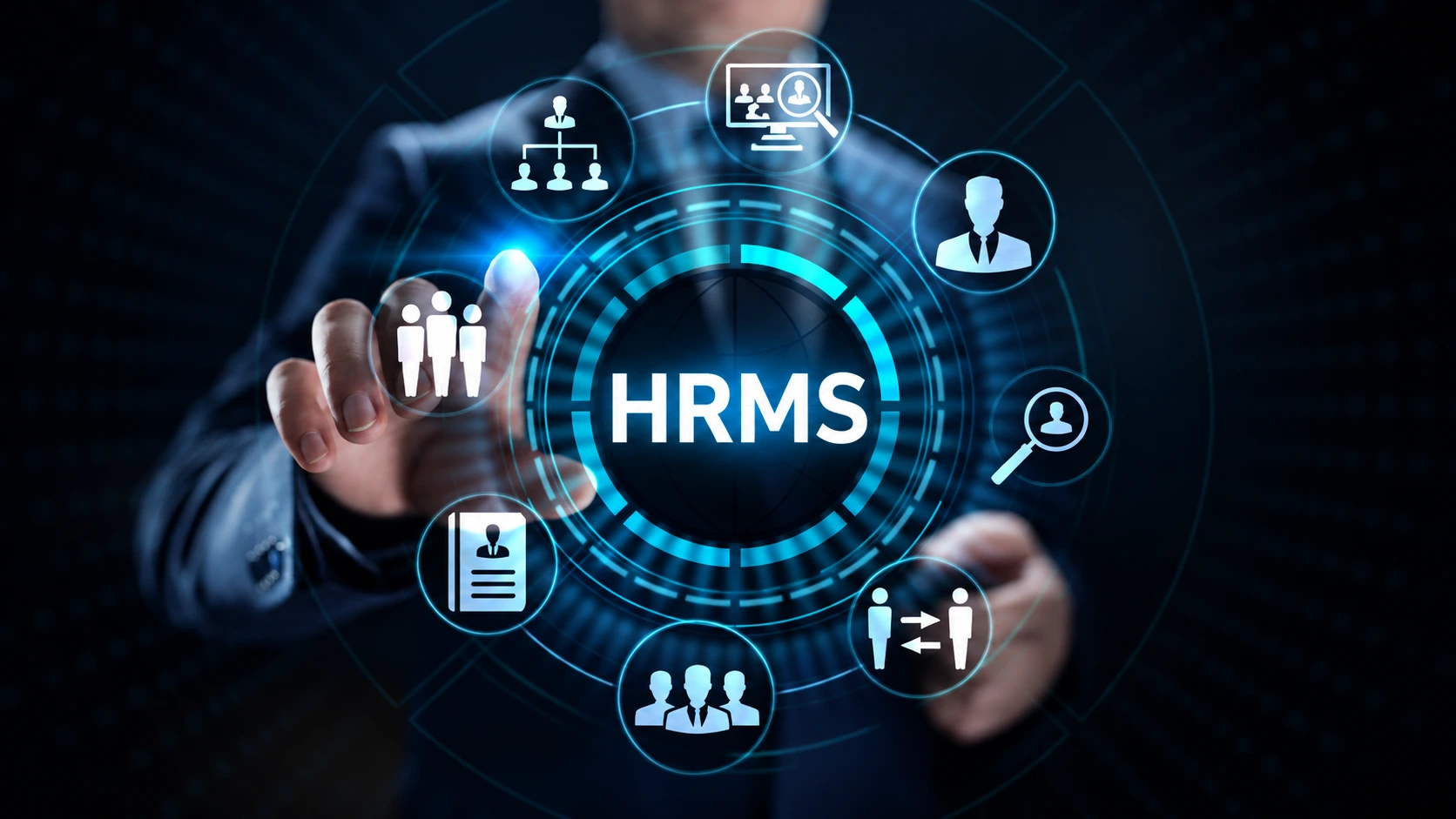
HRMS is software that helps an organisation manage employee information and human resource processes through a connected platform.
Depending on the product and configuration, an HRMS may include employee records, recruitment, onboarding, attendance, leave management, payroll, and performance reviews.
For example, Munshify HRMS lists employee records, attendance, leave, onboarding, and payroll among its capabilities.
The value comes from how these functions work together. Storing information digitally is useful; making that information available to the right people at the right stage helps teams complete their work.
Why Do Businesses Need HRMS?
As a business grows, the number of employee updates, approvals, and reporting requirements grows with it.
A new employee needs a record. A manager must approve leave. Finance needs confirmed payroll inputs. When these activities rely on separate files and messages, staff spend time checking which information is current.
An HRMS can provide a shared process for recording changes and handling requests. It also helps establish who submits information, who approves it, and who can access the result.
Businesses should assess HRMS against a specific operational problem, such as repeated attendance corrections or delayed leave approvals. That makes the benefits easier to evaluate after implementation.
Which HRMS Features Should You Look For?
Choose features based on the tasks your team needs to complete, rather than the length of a product’s feature list.
| Feature | What it supports | What to check |
|---|---|---|
| Employee records | Maintaining personal, employment, and document information | Permissions, update approvals, and data export |
| Attendance management | Recording attendance and working schedules | Shift rules, corrections, and device integrations |
| Leave management | Handling requests, approvals, and balances | Policy configuration and approval responsibilities |
| Payroll processing | Preparing salary calculations and payroll outputs | Input checks, adjustments, and review steps |
| Employee self-service | Accessing payslips and submitting requests | Ease of use and access restrictions |
| Recruitment and onboarding | Coordinating applicants and new-employee tasks | Handover of information and pending-task tracking |
| Performance management | Recording goals, feedback, and reviews | Review cycles and manager workflows |
Munshify’s product page describes a central employee database, role-based access, attendance integrations, leave workflows, and employee self-service capabilities. Confirm the availability and configuration of required features during a demonstration.
How Can HRMS Connect Attendance, Leave, and Payroll?
Attendance, leave, and payroll depend on related information. Connecting them can reduce the need to reconcile separate records manually.
Consider this illustrative workflow:
- An employee submits a leave request.
- The responsible manager reviews the request.
- The approved leave is recorded against the employee.
- Attendance and leave information feed into payroll preparation, according to configured rules.
- The payroll team reviews exceptions before finalising the results.
During a product demonstration, ask the provider to show the entire process. Include an exception, such as leave approved after the payroll cut-off or an attendance entry that needs correction.
These scenarios reveal whether the system supports your actual working practices.
For additional context, explore Munshify’s article on HRMS and payroll software.
What Benefits Can HRMS Provide?
Less Duplicate Data Entry
Connected modules can reuse approved employee information instead of requiring staff to enter it repeatedly.
The extent of this benefit depends on the system’s integrations and configuration. Identify any remaining spreadsheet exports or manual handovers before implementation.
Clearer Approval Tracking
A defined request process makes it easier to see what is pending and who needs to act.
For leave requests, for example, employees should be able to understand their request status without sending repeated messages to HR.
More Convenient Employee Access
Self-service features can help employees access payslips, view relevant information, and submit requests independently.
This gives HR teams an opportunity to reduce routine enquiries while maintaining appropriate controls over sensitive records.
More Consistent Reporting
Reports become more useful when teams use agreed definitions and current records.
Before adopting a dashboard, establish what each measure means. An attendance report, for example, should clearly distinguish absence, approved leave, and missing entries.
How Should You Choose the Right HRMS?
Identify Your Main Operational Problem
Start with a recurring issue that affects your team.
It might be slow onboarding, unclear leave balances, repeated payroll corrections, or difficulty maintaining employee records. Document the current process and identify where work gets delayed.
Ask for a Workflow Demonstration
Give shortlisted providers a realistic scenario using anonymised sample data.
Ask them to demonstrate the employee’s action, the manager’s approval, and HR’s final review. Include corrections and exceptions, not just the standard process.
Check Access and Data Controls
Employee information requires careful handling. Ask who can view, edit, approve, and export different records.
Also ask about backup arrangements, recovery procedures, and how access changes when an employee leaves or moves to another role.
Verify Integrations
Confirm which attendance devices, accounting tools, or other systems can connect to the HRMS.
Ask what information transfers, how frequently it updates, and who resolves a failed transfer. A listed integration should still be tested against your requirements.
Compare the Complete Cost
Evaluate setup, data migration, training, integrations, support, and recurring charges together.
Munshify offers HRMS through a custom quotation, so review its pricing options and request a proposal covering your required scope.
How Can You Prepare for HRMS Implementation?
A successful rollout starts before employees log in.
Clean your records. Check employee identifiers, reporting relationships, leave balances, and other information required for migration.
Document your policies. Confirm attendance rules, approval responsibilities, and payroll cut-off procedures before configuring workflows.
Test with a small group. Run representative tasks and review the results before expanding access.
Train users by role. Employees, managers, HR, and finance need guidance on different activities.
Measure the change. Compare approval times, correction requests, and manual handovers with your starting position.
Avoid changing several processes without assigning ownership. A clear process gives the software a reliable foundation.
Frequently Asked Questions
What Does HRMS Stand For?
HRMS stands for Human Resource Management System.
Is HRMS the Same as Payroll Software?
Payroll software focuses on salary processing. An HRMS typically covers broader employee processes and may include payroll.
Can Small Businesses Use HRMS?
Yes. Small businesses can choose a system based on their team size, essential workflows, and budget.
Does HRMS Replace the HR Team?
No. HRMS supports routine processes, while HR professionals manage decisions, employee relationships, and exceptions.
How Much Does HRMS Cost?
Costs vary by provider, employee count, modules, implementation needs, and support arrangements.
Simplify Everyday HR With Munshify
The right HRMS should make employee information easier to maintain and daily processes easier to complete.
Start with the work that creates the most follow-ups. Then evaluate how a connected system can support that process with clear responsibilities and fewer manual handovers.
Request a Munshify HRMS demonstration focused on your business requirements.