
Managing employee records, payroll, attendance, and leave manually may seem manageable when your team is small. But as your organization grows, spreadsheets and disconnected tools create costly errors and wasted time. In this guide, you’ll learn what HRMS is, how it works, and how Munshify helps automate your entire HR process.
Key Takeaways
- HRMS stands for Human Resource Management System, a software platform that automates HR operations.
- HRMS software manages employee records, attendance, payroll, leave, recruitment, and performance in one place.
- HRMS modules reduce manual work, improve accuracy, and support compliance.
- HRMS benefits include faster processing, better employee experiences, and smarter reporting.
- HRMS combines administrative HR tasks with strategic workforce management capabilities.
- HRMS implementation requires planning, data migration, and employee training.
- The right HRMS should align with your business size, budget, and growth plans.
What Is HRMS?
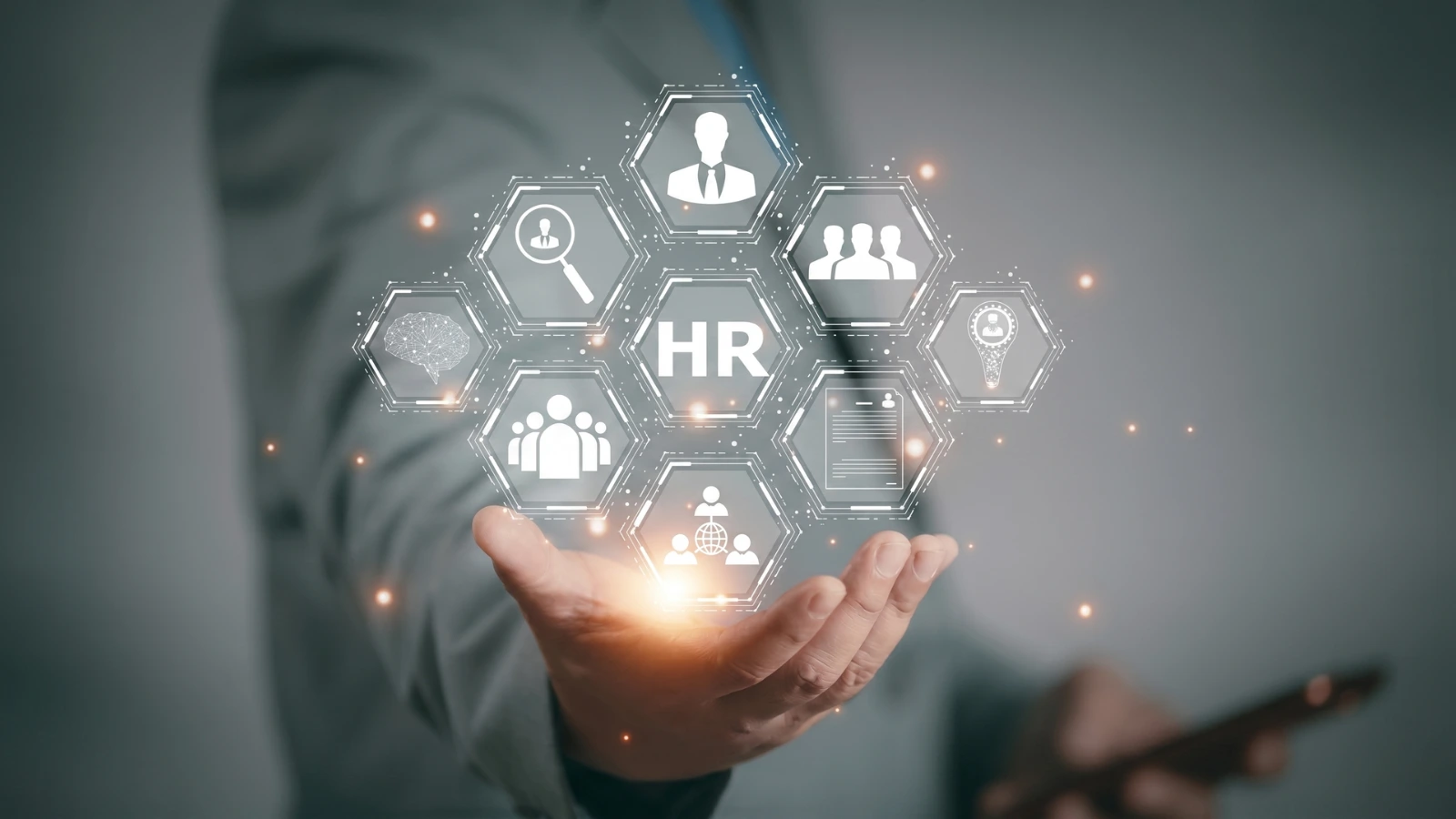
HRMS is a Human Resource Management System that automates employee data, payroll, attendance, leave, recruitment, and performance management.
In simple terms, HRMS software acts as a central hub for all employee-related activities. Instead of managing separate spreadsheets and disconnected tools, you can control every HR function from one secure platform.
For example, when a new employee joins, HR can create a profile, assign salary details, define leave policies, and activate attendance tracking within minutes.
👉 Read Now Employee Database Software to organize and secure all employee records in one centralized system.
What Does HRMS Stand For?
HRMS stands for Human Resource Management System. It is software designed to simplify and automate human resource operations.
What Information Does HRMS Store?
An HRMS typically stores:
- Employee personal details
- Job roles and departments
- Salary and tax data
- Attendance records
- Leave balances
- Performance reviews
- Compliance documents
Why HRMS Matters for Modern Businesses
HRMS matters because it reduces manual work, improves data accuracy, and helps businesses scale efficiently.
As organizations grow, HR responsibilities become increasingly complex. Manual processes often lead to payroll mistakes, delayed approvals, and compliance risks.
For example, a business with 100 employees can save significant administrative time by automating attendance, payroll, and leave approvals.
a. Common Problems Without HRMS
- Payroll errors
- Duplicate employee records
- Inaccurate attendance
- Leave conflicts
- Slow onboarding
- Limited reporting
- Compliance challenges
b. Which Businesses Need HRMS?
HRMS is valuable for:
- Startups
- Small and medium businesses
- Enterprises
- Schools and colleges
- Manufacturing companies
- Healthcare organizations
👉 Explore More School Management Software to manage academic and administrative operations more efficiently.
What Is an HRMS and How Does It Work?
HRMS software centralizes all HR functions into a single platform, reducing manual work and improving operational accuracy.
When employees mark attendance, apply for leave, or update their profiles, the system records that information automatically. Related modules are updated instantly.
For example, approved leave is reflected in attendance, and attendance data flows directly into payroll calculations.
How HRMS Works Step by Step
- Employee information is entered into the system.
- Attendance is captured automatically.
- Leave requests are submitted and approved digitally.
- Payroll is calculated based on attendance and salary rules.
- Reports are generated in real time.
- Managers monitor and approve workflows.
What Are the Main Modules of an HRMS?
HR modules are specialized components that automate different HR functions while sharing data across the system.
| Module | Purpose |
| Core HR | Employee records and organization structure |
| Attendance | Time tracking and shift management |
| Leave | Absence and holiday tracking |
| Payroll | Salary and deductions |
| Recruitment | Hiring and applicant tracking |
| Onboarding | New employee setup |
| Performance | Appraisals and goal management |
| Employee Self-Service | Employee access to HR information |
1. Attendance Management
The attendance module tracks check-ins, work hours, overtime, and shift schedules.
2. Leave Management
The leave module manages balances, approvals, and holiday policies.
3. Payroll Management
The payroll module calculates salaries, deductions, reimbursements, and statutory components.
👉 Visit Now Payroll Management Software to process salaries accurately and automatically.
4. Employee Self-Service Portal
Employee self-service allows staff to view payslips, apply for leave, and update their profiles.
5. Recruitment Management
Recruitment tools help HR teams post jobs, track candidates, and schedule interviews.
6. Performance Management
Performance modules support goal setting, appraisals, and continuous feedback.
What Types of HRMS Software Are Available?
HR software is available as cloud-based, on-premise, and hybrid solutions.
a. Cloud HRMS
Cloud HRMS is hosted online and can be accessed from any location with an internet connection.
👉 Read Now Cloud-Based Business Software to discover flexible and scalable software solutions for growing organizations.
b. On-Premises HRMS
On-premises HRMS is installed on internal company servers and managed by in-house IT teams.
c. Hybrid HRMS
Hybrid HR combines local infrastructure with cloud-based access and functionality.
What Are the Benefits of Using HRMS Software?
HRMS benefits include time savings, fewer errors, stronger compliance, and better decision-making.
When all HR data is centralized, teams spend less time on repetitive tasks and more time supporting employees and strategic initiatives.
a. Key Benefits of HRMS
- Automated payroll and attendance
- Faster approvals
- Real-time reporting
- Improved employee experience
- Better data security
- Regulatory compliance
- Scalable operations
b. HR Reporting and Analytics
Modern HR platforms provide dashboards for headcount, attrition, leave trends, and payroll costs.
What Is the Difference Between HRMS, HRIS, and HCM?
HRMS combines administrative and strategic HR functions, while HRIS focuses on core employee records and HCM emphasizes workforce development.
| Term | Primary Focus |
| HRIS | Employee records and basic HR administration |
| HRMS | Payroll, attendance, leave, and broader HR automation |
| HCM | Talent management and workforce strategy |
In practice, these terms are often used interchangeably, but HR typically offers the most comprehensive operational coverage.
How Do You Choose the Best HRMS Software?
The best HRMS software aligns with your business size, HR requirements, and future growth goals.
Before selecting a solution, identify which processes consume the most time and create the most errors.
a. HRMS Selection Checklist
- Payroll automation
- Attendance integration
- Leave workflows
- Employee self-service
- Recruitment management
- Performance reviews
- Mobile access
- Reporting dashboards
- Data security
- Scalability
b. Why Munshify Is the Right HRMS Solution
Munshify is a comprehensive HRMS platform that automates payroll, attendance, leave, employee records, and performance management from one centralized dashboard.
Whether you run a startup, school, or growing enterprise, Munshify helps you streamline HR processes and improve workforce efficiency.
Top HRMS Software Solution and Practical Use Cases
Munshify is a cloud-based HR solution designed to simplify every stage of employee management.
a. Practical Use Cases of Munshify
- Automating monthly payroll
- Tracking attendance and overtime
- Managing leave approvals
- Maintaining employee records
- Conducting performance appraisals
- Generating HR reports
- Supporting employee self-service
b. Who Can Use Munshify?
Munshify is ideal for:
- HR managers
- CEOs and founders
- School administrators
- Operations teams
- Finance departments
How Is HRMS Implemented Successfully?
HRMS implementation involves configuring modules, migrating employee data, training users, and monitoring adoption.
A structured rollout ensures a smoother transition and faster return on investment.
HRMS Implementation Steps
- Define goals and requirements
- Clean and organize employee data
- Configure policies and workflows
- Import records
- Train HR teams and employees
- Test attendance and payroll
- Launch the system
- Review adoption and feedback
👉 Read Now Online Employee Onboarding System to streamline new hire setup and orientation.
What to Do After Implementing an HRMS
Post-implementation of success depends on continuous optimization and user adoption.
After launching, review reports regularly, gather employee feedback, and refine workflows as your organization grows.
Recommended Next Steps
- Track usage and adoption
- Fine-tune approval workflows
- Add new modules
- Conduct refresher training
- Review compliance settings
How Much Does HRMS Software Cost?
HR software pricing depends on features, employee count, and customization requirements.
Small businesses often begin with affordable monthly plans, while larger organizations may require tailored pricing based on complex workflows.
The best approach is to request a personalized demo and quotation from Munshify.
Can Small Businesses Benefit from HRMS?
Small businesses benefit from HR by automating repetitive administrative tasks and reducing manual errors.
Even organizations with fewer than 20 employees can save time by digitizing payroll, attendance, and leave management.
For example, a startup can process salaries and approvals in minutes instead of maintaining multiple spreadsheets.
What’s Next for Your HR Team?
The next step is to evaluate your current HR processes and identify which tasks should be automated first.
Start with payroll, attendance, and leave management. Then choose a scalable HRMS platform that can grow with your organization.
Conclusion
HRMS is the foundation of efficient and scalable human resource management.
By centralizing employee data, payroll, attendance, leave, recruitment, and performance, HRMS helps organizations reduce errors, improve compliance, and enhance employee experiences.
If you want to modernize your HR operations, Munshify provides all the tools you need in one powerful and user-friendly platform.
Frequently Asked Questions
1. What is HRMS in simple words?
HRMS is software that helps businesses manage employee records, payroll, attendance, leave, and performance in one system.
2. What is the main purpose of HRMS?
The main purpose of HRMS is to automate HR tasks and improve operational efficiency.
3. Is HR software useful for small businesses?
Yes. Small businesses can save time, reduce errors, and improve employee management with HRMS software.
4. What modules are included in HR software?
Common modules include employee records, attendance, payroll, leave, recruitment, onboarding, and performance management.
5. How does Munshify help with HR management?
Munshify automates payroll, attendance, leave, and employee management through one centralized cloud-based platform.
👉 Visit Munshify.com to discover powerful HRMS tools, automate payroll and attendance, and transform your HR operations with confidence.