
An employee’s information can affect several HR tasks at once. A change to attendance may affect leave balances and payroll. When those details sit in separate systems or spreadsheets, teams may need to enter and check the same information more than once.
An HRMS, or Human Resource Management System, brings key HR activities into a connected workflow. This guide explains what HRMS software does, which features matter, and how to evaluate it for your organisation.
What Is an HRMS?
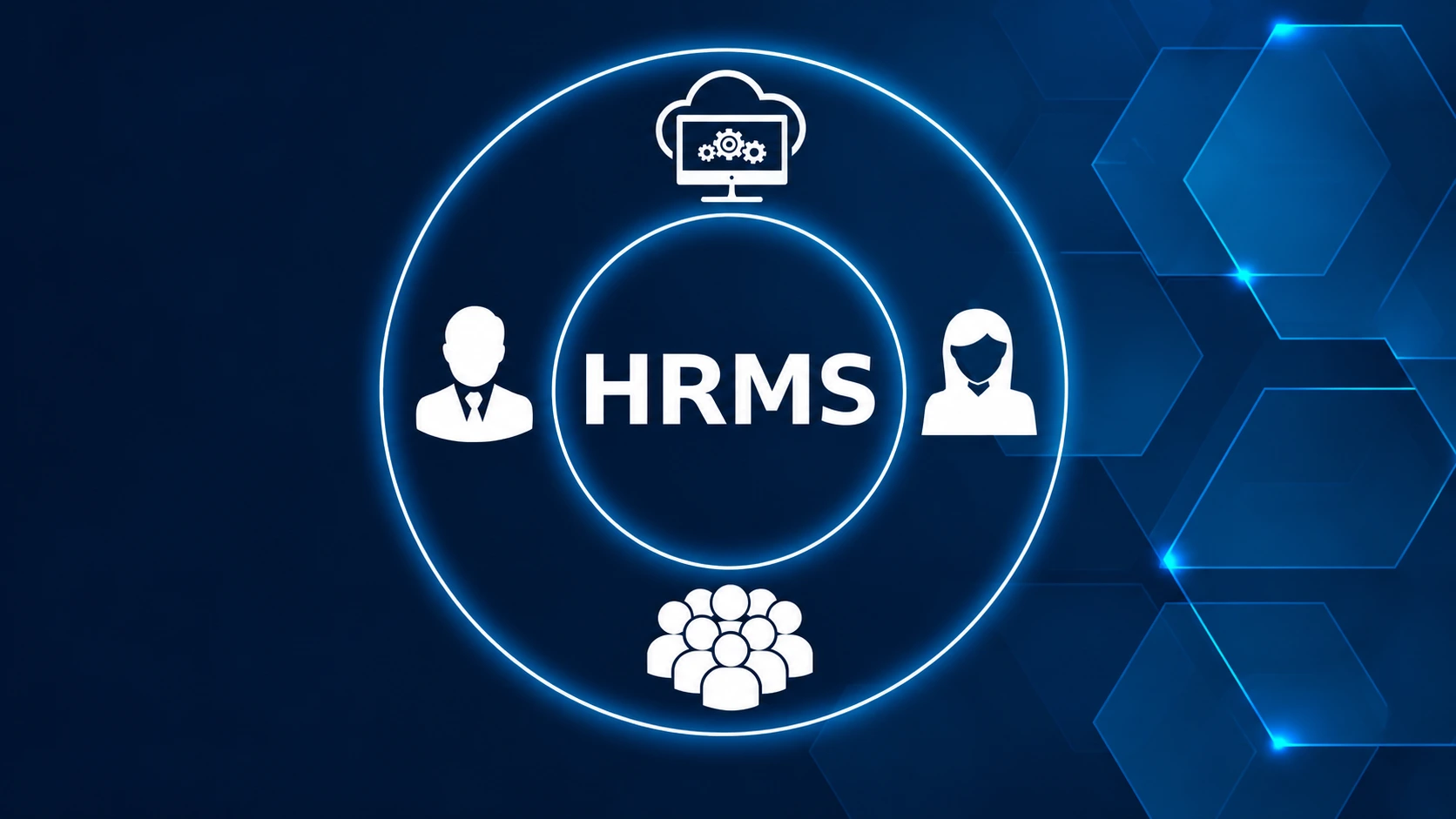
An HRMS is software that helps an organisation manage employee information and routine human resources processes in one system. Depending on the product, it may include employee records, attendance, leave, payroll, recruitment, onboarding, performance, and reporting.
The purpose is to give HR teams a consistent place to manage employee data and related workflows. For example, attendance records can inform payroll preparation, while approved leave is available to the people responsible for scheduling and payroll.
An HRMS does not make every HR decision automatically. It provides tools and information that help teams manage processes, apply their policies, and review changes.
How Does an HRMS Work Across Everyday HR Tasks?
Consider a payroll cycle. HR needs current employee details, attendance records, approved leave, salary components, and any relevant adjustments. If those inputs are collected separately, the team has to reconcile them before payroll can be reviewed.
With an HRMS, the process can follow a clearer sequence:
- Maintain employee records. Keep employee details and documents organised with access limited by role.
- Record attendance and leave. Capture time data and route leave requests through the organisation’s approval process.
- Prepare payroll inputs. Bring relevant employee, attendance, and leave information together for review.
- Check exceptions. Review missing entries, unusual changes, and pending approvals before payroll is finalised.
- Share employee information. Let employees access available records or submit requests through self-service features.
The exact workflow depends on the HRMS and how the organisation configures it. Payroll and statutory requirements should be checked against the organisation’s policies and applicable rules before processing.
Which HRMS Features Should a Business Consider?
The right feature set depends on your workforce and existing processes. These capabilities are common starting points:
| HRMS feature | What it helps manage |
|---|---|
| Employee records | Employee information, documents, and access permissions |
| Attendance management | Work time, shifts, and attendance records |
| Leave management | Leave policies, requests, approvals, and balances |
| Payroll processing | Payroll inputs and salary processing workflows |
| Recruitment and onboarding | Candidate tracking and new-hire steps |
| Performance and training | Evaluations, goals, and learning activities |
| Reports and analytics | Workforce information for planning and review |
| Employee self-service | Employee access to selected information and requests |
Before choosing a system, check how each feature works in practice. For instance, ask how attendance corrections are reviewed, who approves leave, and how payroll changes are documented.
What Are the Benefits of Using HRMS Software?
A more consistent employee record
A central employee record can reduce the need to maintain the same details in separate files. It also gives authorised team members a clearer place to check current information.
Better visibility into HR workflows
HR teams can see whether requests are pending, approvals are complete, or information still needs review. This makes it easier to spot unfinished work before it affects the next step.
More structured payroll preparation
Payroll depends on reliable inputs. Connecting employee details, attendance, leave, and approvals can help teams organise those inputs and review exceptions before processing.
Easier employee access
Self-service features can give employees a way to view selected information or submit routine requests. This can make common HR interactions easier to track.
More useful workforce reporting
Reports can help HR review patterns in attendance, leave, or other workforce data. Their value depends on accurate records and clear definitions of each metric.
How Should You Choose an HRMS?
A feature list alone is not enough. Evaluate the system against your real workflows.
- Map your current process. Identify where data is entered, approved, checked, and handed off.
- Confirm essential modules. Decide which capabilities your organisation needs now and which may be useful later.
- Review payroll controls. Ask how the system handles changes, corrections, approvals, and payroll review.
- Check access and data handling. Understand role permissions, document access, and the vendor’s security practices.
- Assess integrations. Confirm whether the HRMS works with the tools your business already uses.
- Plan employee adoption. Consider the interface, training, mobile access, and support available.
- Test a realistic workflow. Use a sample employee record and payroll cycle during the demo.
A good selection process focuses on whether the HRMS supports your organisation’s actual policies and operating needs.
How Can You Implement an HRMS Smoothly?
Start with clean data and a manageable rollout plan.
First, decide which employee records and historical data need to move into the system. Then define roles, approval steps, leave policies, attendance rules, and payroll inputs. Test the setup with a small group and review exceptions before expanding access.
Give employees and managers clear instructions about what they need to do in the system. After launch, review recurring issues and update workflows where needed. The system should reflect the organisation’s approved processes, and teams should know who is responsible for maintaining them.
How Munshify HRMS Supports HR Workflows
Munshify describes HRMS capabilities that include employee records and documents, role-based access, payroll, attendance, leave management, recruitment, and onboarding. Its product information also lists features such as performance management, training, analytics, and employee self-service. Explore Munshify HRMS
When evaluating the platform, ask how its workflows fit your organisation’s payroll cycle, approval structure, and employee access needs. A product demo can help your team assess those details using familiar examples.
Frequently Asked Questions
1. What Does HRMS Stand For?
HRMS stands for Human Resource Management System. It refers to software used to manage employee information and HR processes.
2. Is HRMS the Same as Payroll Software?
No. Payroll software focuses on pay processing. An HRMS may include payroll alongside employee records, attendance, leave, and other HR functions.
3. Can Small Businesses Use an HRMS?
Yes. The best fit depends on the organisation’s size, workflows, budget, and required features.
4. Does an HRMS Guarantee Statutory Compliance?
No. HRMS software can support recordkeeping and payroll workflows, but organisations still need to configure processes correctly and verify applicable requirements.
See How Munshify HRMS Fits Your Process
If your HR team is coordinating employee records, attendance, leave, and payroll across separate workflows, review how an HRMS could support the way your organisation works.
Request a Munshify HRMS demo to discuss your requirements.