
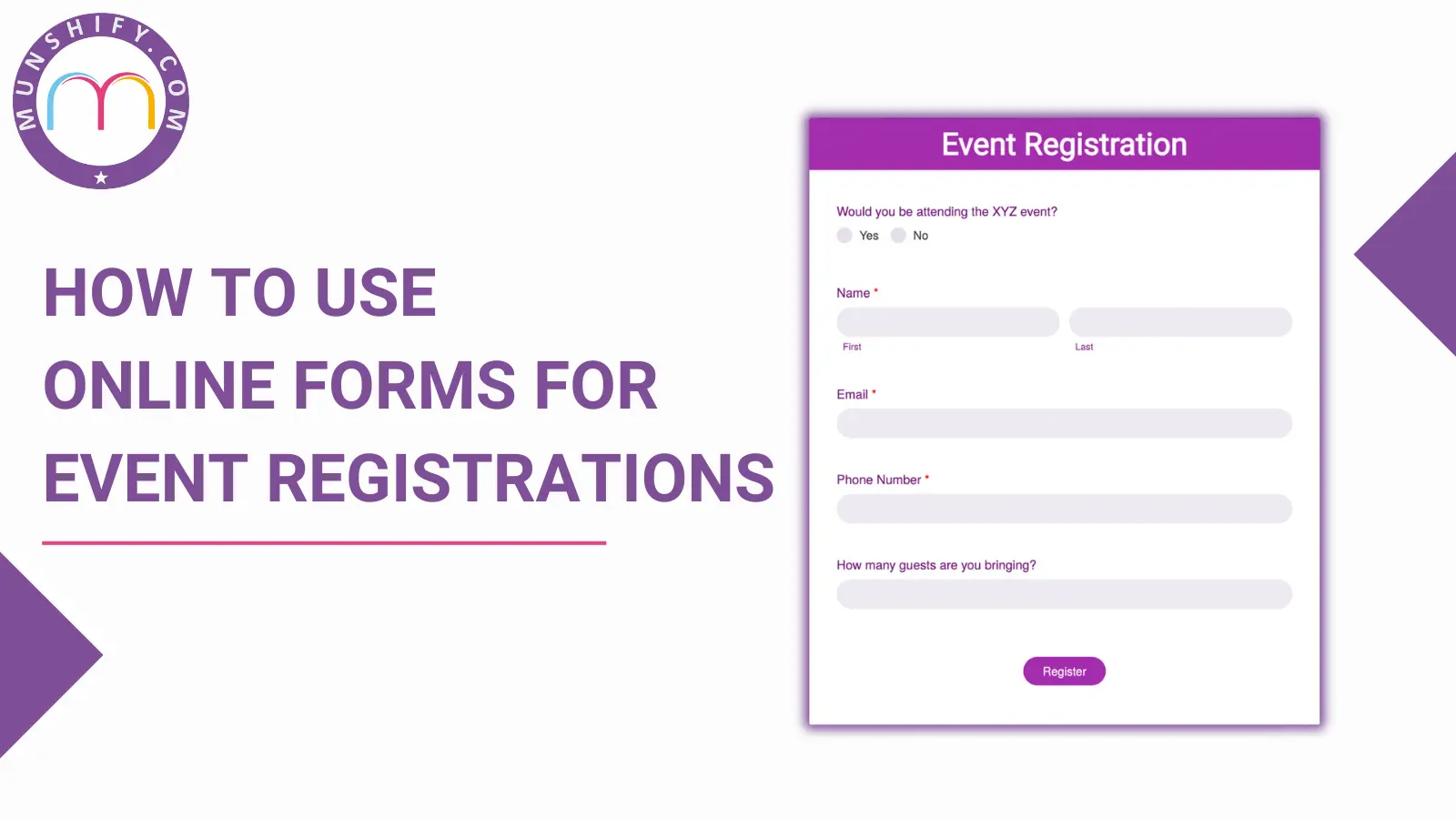

In today’s digital age, organizing events has become more streamlined and efficient thanks to Event Registration Form. These tools simplify the registration process for both organizers and participants, making it easy to gather essential information, manage attendees, and ensure a seamless experience from start to finish. In this blog, we will explore the benefits of using online forms for event registrations, key features to include, best practices for design, and popular tools and platforms to help you create effective registration forms, with a special focus on Form Builder. Additionally, we will discuss how to manage registrations post-event to ensure long-term success and attendee satisfaction.
Table of contents:
- Benefits of Using Online Forms for Event Registrations
- Key Features to Include in Your Online Registration Form
- Best Practices for Designing Effective Registration Forms
- Tools and Platforms for Creating Online Forms – Munshify Form Builder
Benefits of Using Online Forms for Event Registrations
- Convenience: Online event registration form allows participants to sign up at their own convenience, from anywhere and at any time. This flexibility increases the likelihood of higher registration rates.
- Efficiency: The automation of the registration process reduces the time and effort required to manage sign-ups, leaving event organizers free to focus on other crucial aspects of the event.
- Accuracy: Manual entry errors are minimized, as participants input their own information directly into the event registration form. This ensures data accuracy and reduces the need for corrections.
- Data Management: Event Registration Form offers easy data collection and management. Organizers can quickly access, sort, and analyze participant information, facilitating better decision-making and event planning.
- Cost-Effective: Using online registration forms eliminates the need for paper forms and manual processing, cutting down on material and administrative costs.
Key Features to Include in Your Online Registration Form
- User-Friendly Design: The event registration form should be simple and intuitive, guiding users through the process with minimal confusion.
- Customizable Fields: Depending on the event, customizable fields allow organizers to gather specific information relevant to the event’s needs.
- Mobile Compatibility: Ensure that the form is mobile-friendly, allowing users to register easily from their smartphones or tablets.
- Payment Integration: If there is a fee for the event, integrate a secure payment gateway to facilitate seamless transactions.
- Confirmation and Notifications: Automatically send confirmation emails and reminders to participants, keeping them informed and engaged.
- Data Security: Protect participant information with robust security measures to build trust and comply with data protection regulations.
- Analytics and Reporting: Built-in analytics tools help track registration numbers, demographics, and other critical metrics to gauge event success.
Best Practices for Designing Effective Registration Forms
- Keep It Short and Simple: Avoid overwhelming users with too many fields. Only ask for essential information to keep the process quick and easy.
- Use Clear Instructions: Provide clear and concise instructions for each section of the event registration form to prevent confusion and errors.
- Incorporate Visual Cues: Use progress bars, icons, and other visual elements to guide users through the form and indicate completion status.
- Test Across Devices: Ensure that the form works seamlessly on various devices and browsers to avoid any technical issues for users.
- A/B Testing: Regularly perform A/B testing on different form designs and elements to identify what works best for your audience.
- Accessibility: Make sure the form is accessible to all users, including those with disabilities, by following web accessibility guidelines.
Tools and Platforms for Creating Online Forms – Munshify Form Builder
Among the myriads of tools available for creating online registration forms, Munshify Form Builder stands out for its versatility and ease of use. Munshify offers a range of customizable templates and advanced features tailored to event registration needs. Its drag-and-drop interface allows for quick and efficient form creation, even for those without technical expertise. Munshify integrates seamlessly with various payment processors and CRM systems, ensuring a smooth workflow from registration to post-event follow-up. Real-time analytics provided by Munshify help event organizers track registrations and make data-driven decisions to optimize their events.
Post-Registration Management
Once registrations are collected, effective management of this data is crucial. Automated emails can be scheduled to remind attendees of event details, updates, or changes. A centralized database allows for easy access and sorting of participant information, facilitating better communication and personalized engagement. Moreover, post-event surveys can be sent out to gather feedback, providing valuable insights for future events. Data collected from the event registration form can also help analyze attendance trends and improve marketing strategies for subsequent events.
Utilizing online event registration form streamlines the entire registration process, from sign-up to data management, and ultimately enhances the overall experience for both organizers and participants. By incorporating key features, adhering to best practices in form design, and leveraging powerful tools like Munshify Form Builder, organizers can ensure efficient and successful event registration. Post-registration management is equally important, as it helps maintain attendee engagement and gather critical feedback for future improvements. Embracing these strategies will undoubtedly lead to more organized, well-attended, and successful events.
Know more about Online Form Builder.