
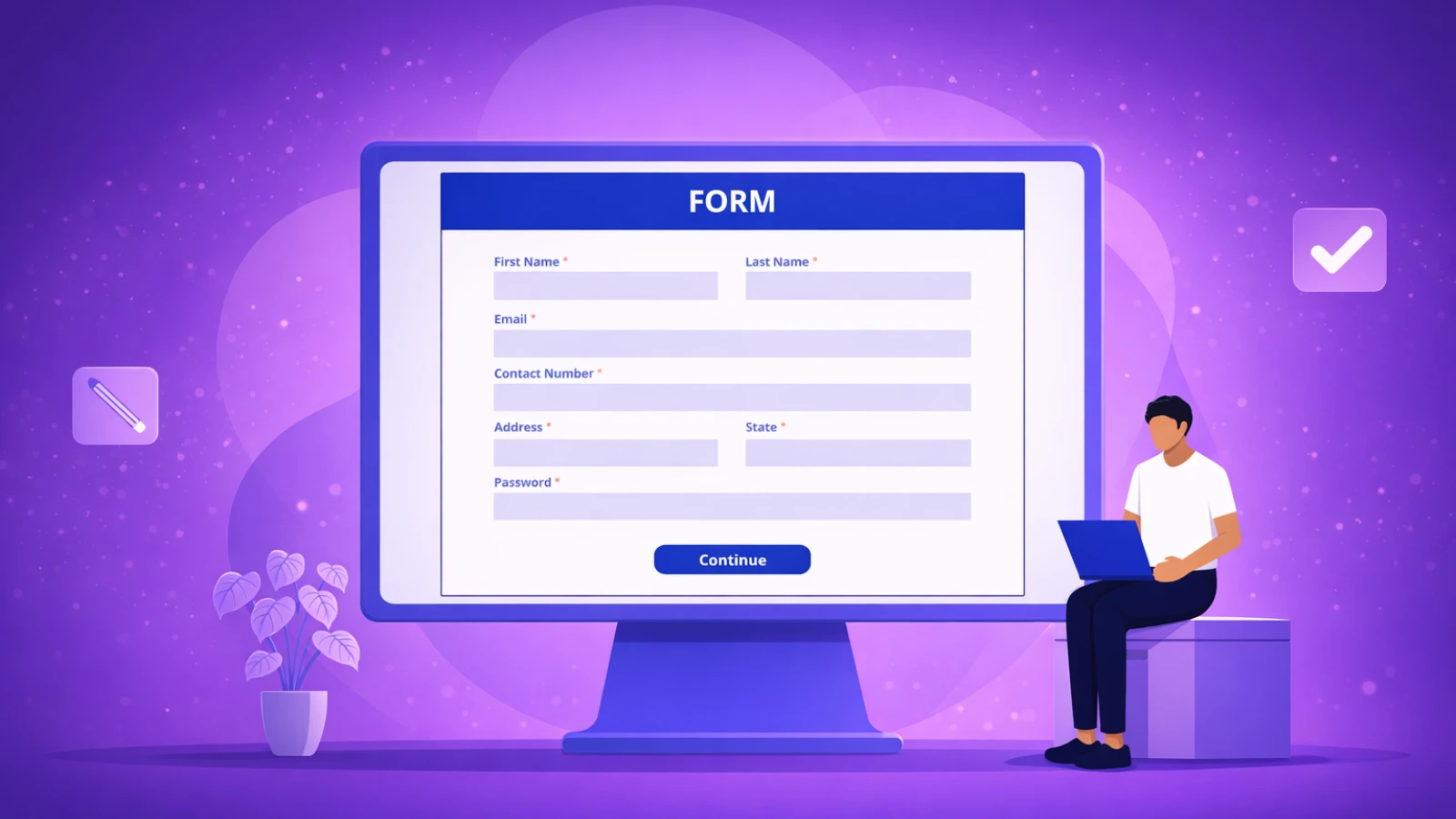

Collecting information online has become an essential part of everyday digital interaction. Whether registering for an event, submitting feedback, applying for a service, or completing surveys, online forms simplify the process of gathering and managing data. Instead of relying on paper documents or manual entries, users can share information instantly through structured digital forms.
For general users, online forms make communication faster, more organized, and accessible from any device. Businesses, educators, and individuals now rely on online form to streamline workflows, reduce manual effort, and improve response management. Understanding how online forms work helps users choose the right tools and use them effectively.
What Are Online Forms?
Online forms are digital versions of traditional form used to collect information through websites or applications. Users enter details such as names, contact information, responses, or uploads directly into a structured interface. The submitted data is automatically stored and organized for easy access.
Modern platforms act as an online form builder, allowing anyone to create form without technical knowledge. These tools replace paperwork with automated data collection, improving accuracy, and efficiency.
How Online Forms Work
Online form operate through a simple process designed for ease of use.
- A form creator designs a form using a form builder software.
- Fields such as text inputs, dropdowns, checkboxes, or file uploads are added.
- The form is published through a link or embedded on a website.
- Users open the form and submit their responses online.
- Submitted data is stored automatically in a centralized dashboard.
This automation eliminates manual data entry and allows instant access to responses.
Learn how payroll inconsistencies are solved using digital automation
Key Components of an Online Forms
1. Input Fields
Input fields collect essential user information such as names, email addresses, phone numbers, selections, uploads, or feedback responses in an organized format.
2. Validation Rules
Validation rules ensure users enter accurate and complete information by checking required fields and preventing incorrect submissions.
3. Submission Button
The submission button enables users to send their responses securely, ensuring the entered data is properly recorded.
4. Data Storage System
All submitted responses are automatically stored in a centralized system, making data easy to manage, review, and analyze.
5. Notification System
The notification system alerts owners whenever a new response is submitted, allowing quick follow-up and better response management.
Benefits of Using Online Forms
1. Saves Time
Online forms collect information instantly, eliminating manual data entry and reducing administrative effort.
2. Reduces Errors
Built in validation ensures users submit complete and accurate information, minimizing mistakes and missing data.
3. Accessible Anywhere
Users can complete forms easily using mobile phones, tablets, or computers from any location.
4. Organized Data Management
All responses are stored digitally in one place, making it simple to search, review, and analyze collected data.
5. Environment Friendly
Digital form creator tools reduce paper usage and support more sustainable and efficient workflows.
Common Use Cases of Form Builder
1. Event Registrations
Organizers can collect participant details quickly using shareable form links.
2. Feedback Collection
Businesses and individuals gather opinions, suggestions, and customer feedback efficiently.
3. Online Applications
A online application form builder helps manage admissions, job applications, and service requests in an organized manner.
4. Surveys and Research
Organizations use forms to collect structured responses for analysis and decision making.
5. Contact Forms
Websites enable visitors to communicate directly by submitting queries or requests through simple online form.
Online Forms vs Traditional Paper Forms
Traditional forms require printing, manual entry, storage space, and additional administrative effort. Managing physical records often becomes time consuming and difficult to scale.
Online form simplify this process by automating collection, storage, and organization. Responses are available instantly, reducing delays and improving efficiency. Digital forms also minimize data loss and make collaboration easier.
Best Practices for Creating Effective Forms
1. Keep Forms Simple
Include only necessary questions to avoid overwhelming users and improve form completion rates.
2. Use Clear Labels
Provide simple and clear instructions so users easily understand what information is required in each field.
3. Optimize for Mobile Devices
Ensure forms are mobile friendly since many users complete forms using smartphones and tablets.
4. Enable Confirmation Messages
Display a confirmation message after submission to assure users that their responses were successfully received.
5. Test Before Publishing
Review and test the form before sharing to ensure all fields, validations, and submissions work smoothly.
Why Munshify Is a Smart Choice for Online Form Builder
Munshify provides a powerful yet simple solution for creating online forms quickly. With an easy-to-use interface, users can design forms, collect responses, and manage data without technical expertise.
Whether you need a contact form, survey, or online application form builder, Munshify helps streamline data collection while keeping the process simple and efficient.
The Growing Importance of Online Form Builder
As digital communication continues to expand, online forms play a crucial role in simplifying interactions. From personal use to professional workflows, digital forms enable faster communication and better organization of information.
Online forms reduce manual work, improve accessibility, and support efficient decision making. For general users, adopting online forms is one of the easiest ways to move toward smarter digital workflows.
FAQs
1) What are online form used for?
Online fors collect information digitally for registrations, feedback, applications, and surveys.
2) Do I need technical skills to create online form?
No. Modern online form builder tools allow anyone to create forms easily.
3) Are online form secure?
Yes, trusted form builder software protects submitted data through secure systems.
4) Can online fors work on mobile devices?
Yes, most digital form creators are optimized for mobile and desktop users.
Visit Munshify.com to build simple, reliable online forms and collect information effortlessly from anywhere.