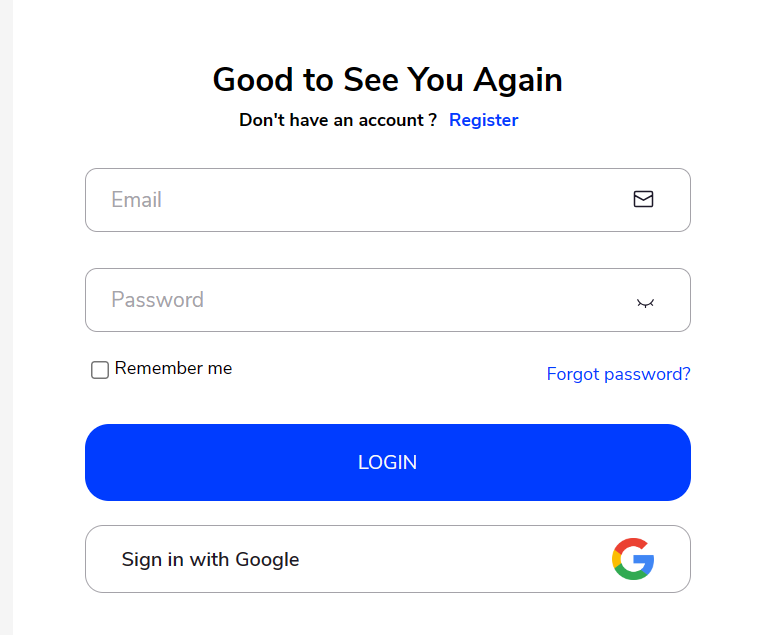
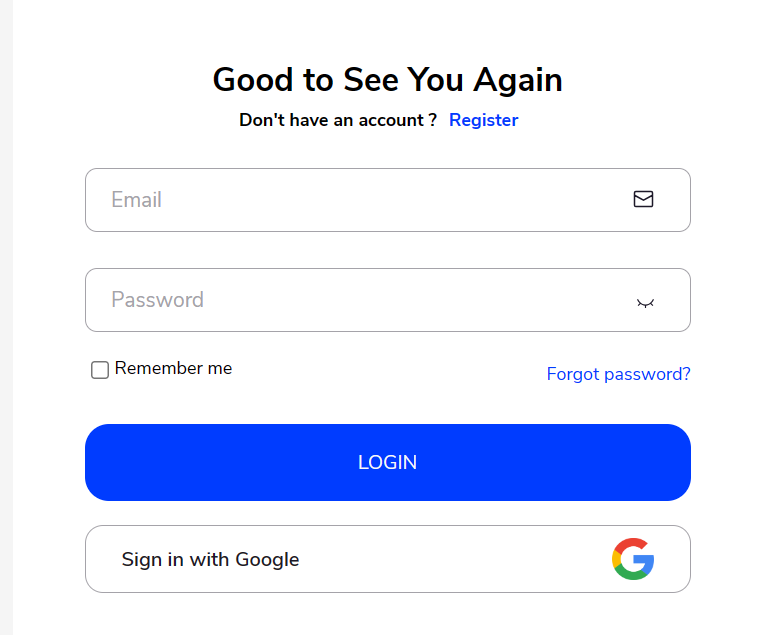
If the user doesn’t have an account, they need to Register it first.
Click on the “register” button:
– Look for the “register” button on the screen, usually located near the login area or in a prominent place on the webpage.
– Clicking on this button indicates that you’re new to the platform and want to create a new account.
By following these steps, you’ll successfully register and create your account on the platform.
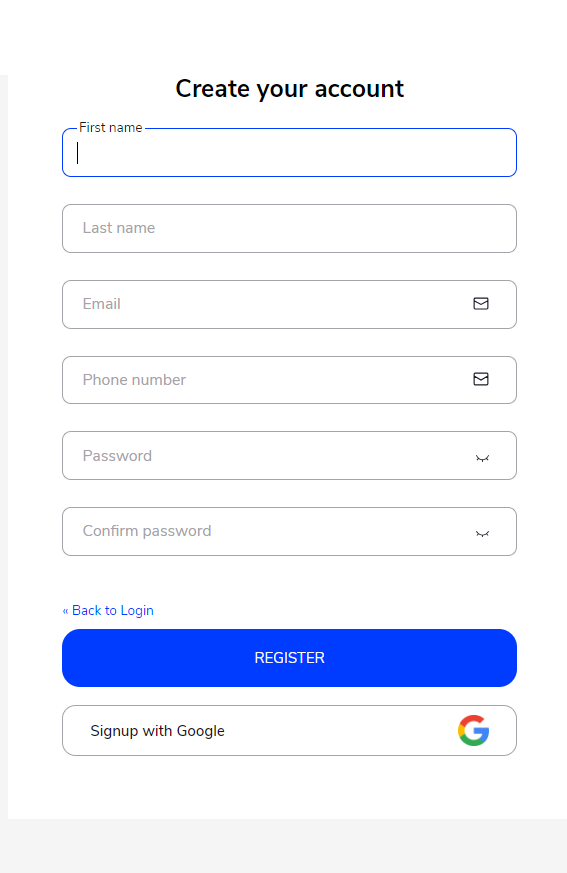
Fill in the following details:
– First name: Enter your first name. This is the name you’re commonly known by.
– Last name: Enter your last name or surname. This is your family name.
– Email address: Provide your email address. This will be used for communication and account verification purposes.
– Phone number: Enter your phone number. This might also be used for account verification or communication.
– New password: Create a new password for your account. Make sure it’s something secure and not easily guessable.
– Confirm password: Retype the same password you entered in the previous field to ensure it matches. This is to prevent any typing errors.
Click on the “register” button again to complete the process:
– Once you’ve filled in all the required details accurately, click on the “register” button again.
– This action submits the information you provided and officially creates your account on the platform.
– After successful registration, you may be redirected to a confirmation page or directly logged into your new account, depending on the platform’s design.
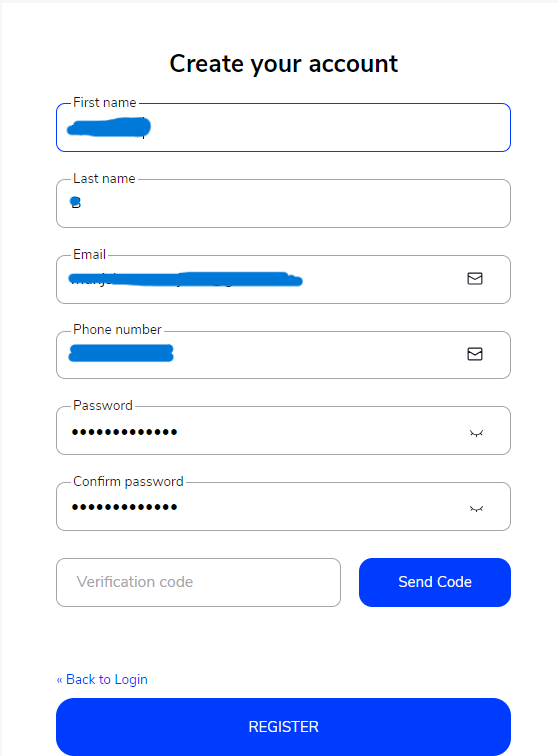
– After confirming the password, the user will:
Receive a verification code via SMS.
Enter this code to confirm their identity.
Once the code is verified, they can complete the registration process and successfully register their account.
Welcome to Munshify — your all-in-one AI-first Low Code No Code platform to build apps, automate workflows, and manage your entire business from a single place.
To show you the most relevant solutions, please tell us who you are.
Just now
Welcome to Munshify.
Startup
What is the primary challenge you are looking to solve right now?
Just now
Welcome to Munshify.
Enterprise
What is the primary challenge you are looking to solve right now?
Just now
Welcome to Munshify.
Digital Solutions
What is the primary challenge you are looking to solve right now?
Just now
Great! We have an AI-powered solution tailored specifically for your requirement.
To get started, please share your basic details.
Just now
A few more details to help us serve you better.
Just now
Optional
Optional
Something went wrong. Please try again.
I Just Want to See a Live Demo
We'd love to walk you through a personalized live session of the Munshify platform.
To get started, please share your basic details.
Just now
A few more details to help us prepare the right demo for you.
Just now
Optional
Optional
Something went wrong. Please try again.
Thank you! Your details have been received successfully.
One of our AI product experts will reach out to you within the next 2 business hours to understand your requirements and walk you through the best-fit solution.
In the meantime, explore what Munshify has to offer.
Just now
Need to connect right away?
Thank you! Your details have been received successfully.
One of our AI product experts will contact you within the next 2 business hours to schedule and personalize your live session.
In the meantime, explore what Munshify has to offer.