
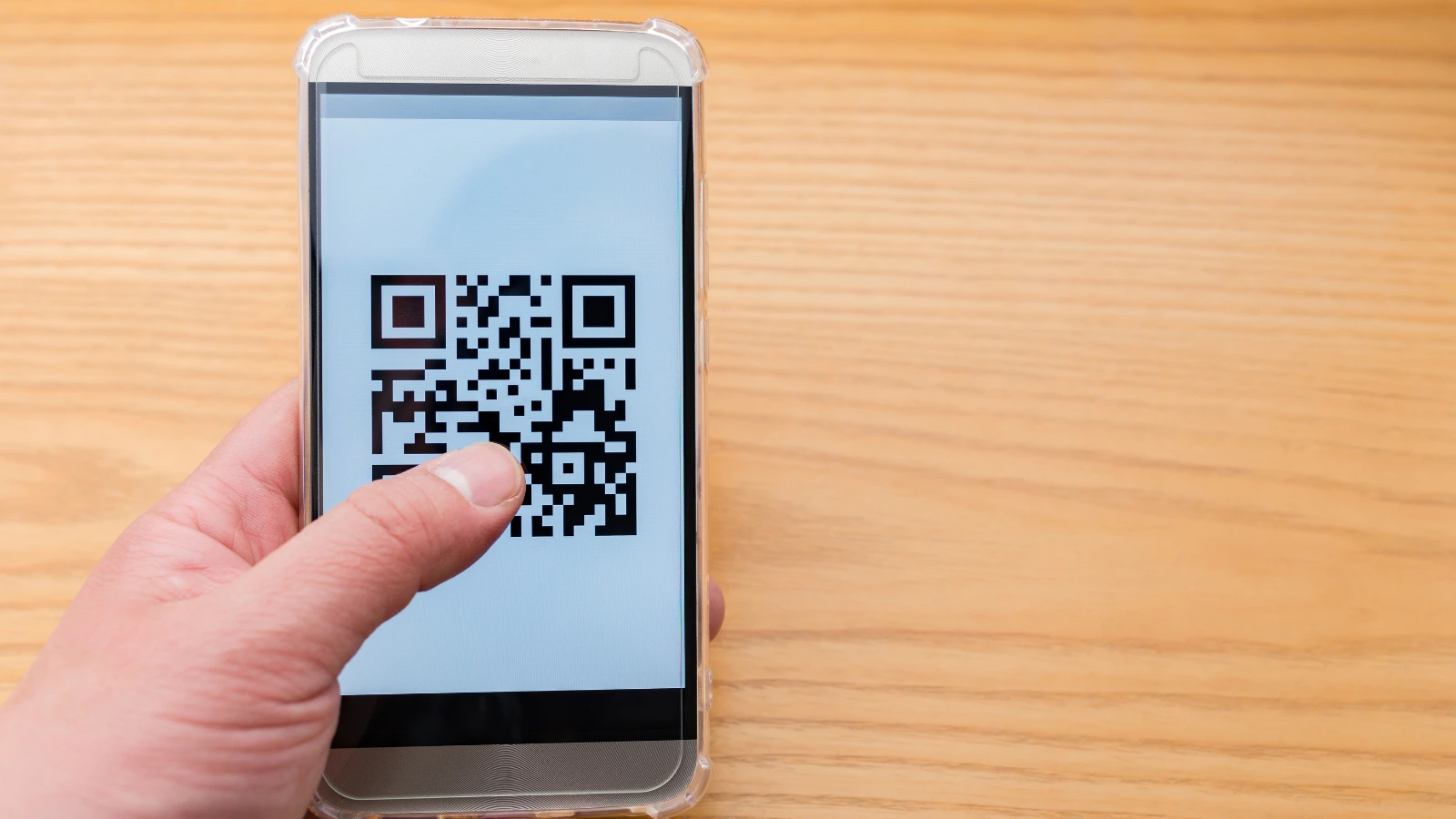

Digital communication should be accessible to everyone, not just those with the latest smartphones or fast internet. A QR code generator makes this possible by turning long web links into simple scannable codes, allowing people to access information instantly without typing lengthy URLs.
From posters and packaging to menus and forms, QR codes connect the physical and digital world easily. When used thoughtfully, they save time, reduce effort, and make digital communication more inclusive and user friendly.
How a QR Code Generator Improves Accessibility in Practical Ways
A QR code generator simplifies complex digital actions into one easy step. Instead of asking someone to type a long URL, search for your brand, download an app, or go through multiple pages, a single scan takes them directly to the right destination. This makes access faster and easier for everyone.
1) Reduces typing and errors
Typing long web addresses on a mobile phone can be difficult, especially for older users, people with motor challenges, or anyone in a hurry. A QR code removes the need to type, reducing mistakes and frustration.
2) Works well in physical spaces
In clinics, schools, government offices, retail stores, and events, QR codes help people access information instantly without needing staff assistance. For example, a clinic poster can link to appointment booking, a classroom notice can link to homework, and a product label can link to instructions or warranty registration.
3) Supports multiple languages
A QR code can open a page where users select their preferred language. In India, this could include Hindi, Tamil, Telugu, Marathi, Bengali, Kannada, Malayalam, Gujarati, and Punjabi. This ensures more people can understand the information clearly.
4) Enables accessible formats
QR codes can link to large text content, audio instructions, captioned videos, or pages designed for screen readers. The QR code itself is not an accessibility solution, but it acts as a simple bridge that connects people to accessible digital content.
Learn more: How Can a QR Code Generator Rewrite the Rules of Accessibility and Inclusivity in Digital Communication
What is inclusive digital communication?
Inclusive digital communication means creating messages that everyone can understand and use, regardless of their abilities, language, device, or level of digital comfort. It ensures that information is clear, accessible, and easy to act on for a wide range of people, not just a limited audience.
Inclusive digital communication covers visual accessibility through good contrast, readable fonts, and appropriate font sizes. Physical accessibility involves easy reach and proper placement in real world settings. Cognitive accessibility emphasizes clear language and simple, step by step instructions. Technological access ensures compatibility with older devices and slower networks. Trust and safety are equally important, helping people feel confident and secure when interacting or scanning.
Static vs Dynamic QR Codes: Which Is Better for Inclusivity?
When choosing between a static and a dynamic QR code, the main difference lies in flexibility. A static QR code cannot be changed once it is created, and it usually does not provide scan tracking. It is best suited for permanent information that will not need updates. A dynamic QR code, on the other hand, allows you to change the destination link even after printing, and it provides analytics to track scans. It is ideal for campaigns, menus, and links that may change over time.
For inclusive communication, dynamic QR codes are often a better option. They allow you to fix broken links, switch to a lighter page if the original loads slowly, add language options later, and improve accessibility features without reprinting materials. This flexibility helps ensure that your communication remains accessible, accurate, and useful for a wider audience.
Best Practices to Create an Inclusive QR Code
1) Use a clear and trustworthy link with a strong call to action
Even though people scan the code, the destination link should feel safe and professional. Use a branded or clean short link and avoid long, confusing URLs. Always add a clear instruction near the QR code, such as “Scan to view the menu,” “Scan to register,” or “Scan to download the brochure.” Never place a QR code without explaining what it does.
2) Design for easy scanning
Use strong contrast, ideally a dark code on a light background. Keep a clean margin around the code and avoid busy patterns behind it. Make sure the size matches the viewing distance. If it is placed on a banner or billboard, test it from the actual distance people will scan from.
3) Place it where people can comfortably scan
Position the QR code at eye level whenever possible. Avoid placing it too high, behind reflective glass, or on curved surfaces that distort the shape. Flat and accessible surfaces like posters, table tents, and packaging areas work best.
4) Make the landing page accessible and offer a backup option
The page that opens should be mobile friendly, fast loading, easy to read, and simple to navigate. Use clear buttons, readable fonts, and captions on videos. For maximum inclusivity, also provide a short URL or phone number as an alternative for people who prefer not to scan.
Use Cases: Inclusive QR Codes in Real Life
Restaurants
QR codes help restaurants serve a wider audience by allowing customers to scan and view menus in multiple languages. They can also scan to give feedback anonymously, making it easier for everyone to share their experience comfortably.
Events
At events, QR codes simplify access by letting attendees scan to register instantly. They can also scan to view the event agenda, speaker profiles, venue details, and important updates without needing printed materials.
Retail and Packaging
In retail stores and product packaging, QR codes can link to clear product instructions, usage guides, or warranty registration. They can also support authenticity verification, helping customers confirm that the product is genuine and trustworthy.
Education
In schools and colleges, QR codes make learning more accessible. Students can scan to access study materials, video lessons, and additional resources. They can also scan to submit assignments or receive updates, making the learning process smoother and more inclusive.
How a QR Code Generator Drives Inclusive Digital Communication
A QR code generator plays an important role in making digital communication more inclusive. By reducing effort, simplifying access, and working smoothly in physical spaces, QR codes help people connect to information quickly and confidently. They bridge the gap between offline materials and accessible digital content, making it easier for different audiences to engage.
To ensure long term reliability and flexibility, consider using dynamic QR codes. They allow you to update links, improve accessibility features, and track performance without reprinting materials. This adaptability helps your communication remain accurate, user friendly, and inclusive over time.
FAQs About QR Code Generators
1) Can QR codes be tracked?
Yes. Dynamic QR codes with analytics can track scans, location, device type, and time. Static QR codes usually cannot.
2) What is the difference between a QR code generator and a dynamic QR code generator?
A QR code generator creates the code. A dynamic QR code generator lets you edit the link later and track scans.
3) Do QR codes expire?
Static QR codes do not expire. Dynamic QR codes may expire depending on the provider and plan.
4) Are QR codes safe to scan?
They are safe when used properly. Use trusted links, clear instructions, and avoid suspicious URLs.
Visit Munshify.com to create inclusive and reliable QR codes for smarter digital communication.