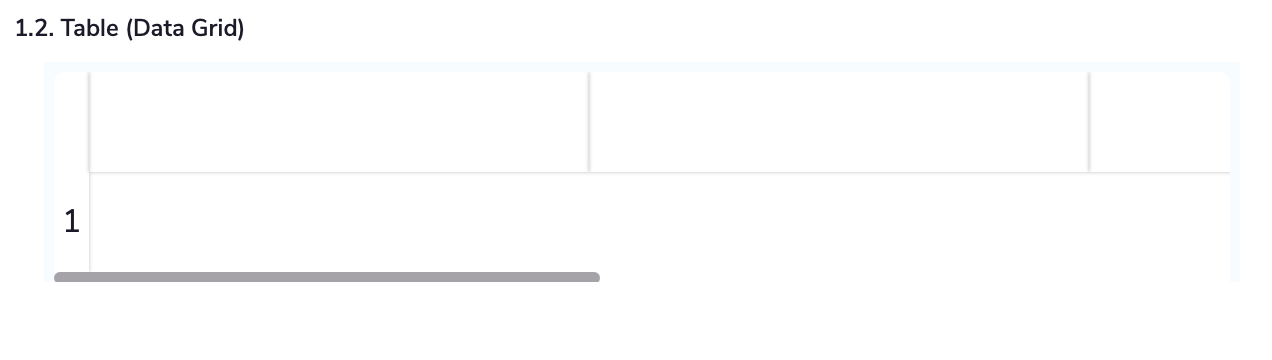
To add a data grid field, go to the form builder, locate the data grid element, and drag it onto your form. You can then configure the rows, columns, and other settings to fit your needs.
Data grids in a form builder are useful for organizing and displaying data in a structured, tabular format, allowing users to view and manage multiple entries efficiently.
They are ideal for scenarios like managing orders, inventories, or detailed user inputs.
In Munshify Forms, data grids are designed to be simple and user-friendly.
You can easily add, configure, and customize grids to fit your needs without extensive setup. The intuitive interface allows for quick adjustments and straightforward management of data within your forms.
Welcome to Munshify — your all-in-one AI-first Low Code No Code platform to build apps, automate workflows, and manage your entire business from a single place.
To show you the most relevant solutions, please tell us who you are.
Just now
Welcome to Munshify.
Startup
What is the primary challenge you are looking to solve right now?
Just now
Welcome to Munshify.
Enterprise
What is the primary challenge you are looking to solve right now?
Just now
Welcome to Munshify.
Digital Solutions
What is the primary challenge you are looking to solve right now?
Just now
Great! We have an AI-powered solution tailored specifically for your requirement.
To get started, please share your basic details.
Just now
A few more details to help us serve you better.
Just now
Optional
Optional
Something went wrong. Please try again.
I Just Want to See a Live Demo
We'd love to walk you through a personalized live session of the Munshify platform.
To get started, please share your basic details.
Just now
A few more details to help us prepare the right demo for you.
Just now
Optional
Optional
Something went wrong. Please try again.
Thank you! Your details have been received successfully.
One of our AI product experts will reach out to you within the next 2 business hours to understand your requirements and walk you through the best-fit solution.
In the meantime, explore what Munshify has to offer.
Just now
Need to connect right away?
Thank you! Your details have been received successfully.
One of our AI product experts will contact you within the next 2 business hours to schedule and personalize your live session.
In the meantime, explore what Munshify has to offer.