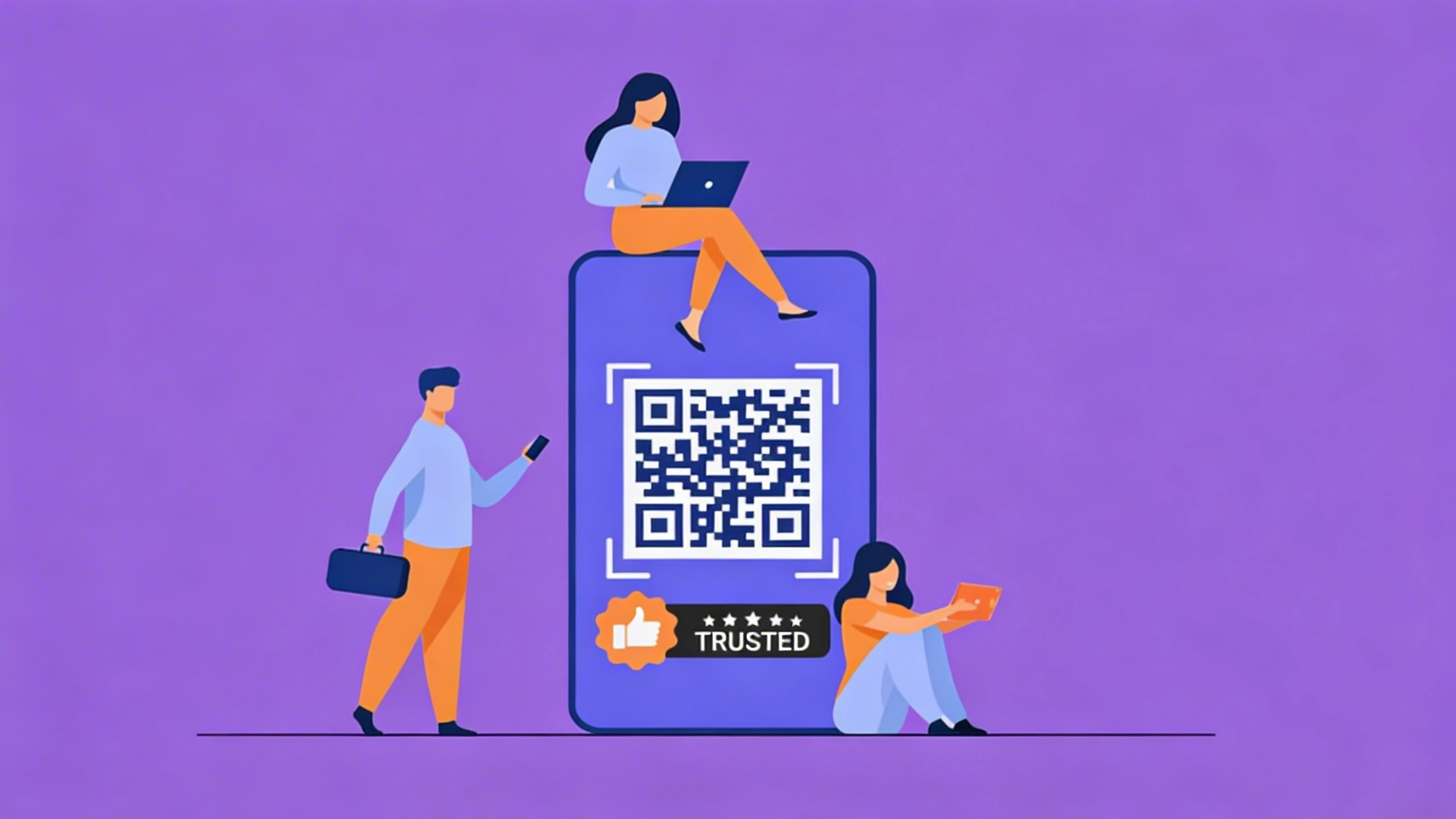

In today’s digital world, people expect fast and easy access to information. Whether it is opening a website, downloading a document, viewing a menu, or connecting to Wi-Fi, users want instant solutions without typing long links. This is where QR codes have become extremely useful.
A QR code allows users to access digital content instantly by simply scanning it with their smartphone. Businesses, schools, and organizations around the world are using QR codes to simplify communication and improve customer experience.
With the help of a QR Code Generator, anyone can easily Create QR Code solutions that connect physical materials to digital information. From marketing campaigns to educational resources, QR codes are becoming an essential digital tool.
What Is a QR Code
A QR code stands for Quick Response code. It is a type of barcode that stores digital information and can be accessed by scanning it with a smartphone camera. When someone scans the code, it can instantly open a website, show contact details, download a document, or connect to a Wi-Fi network.
QR codes are widely used in marketing, retail, education, and events because they make sharing information quick and easy. Many businesses now Create QR Code solutions to provide customers with fast access to important digital content.
Why QR Codes Are Important in 2026
QR codes have become an essential part of modern digital interaction. As businesses continue to move toward digital solutions, QR codes help bridge the gap between offline and online experiences.
For example, a poster or product packaging can include a QR code that instantly directs users to a website or product page. Restaurants use QR codes to provide digital menus, and event organizers use them for ticket verification and registrations.
Using a reliable QR Code Generator makes it easier for organizations to create QR codes quickly and integrate them into their marketing or operational processes.
Because QR codes are simple to create and easy to scan, they have become a powerful tool for improving user experience and accessibility.
Learn more: QR Code Generator: How It Makes Digital Communication More Inclusive
Best Way to Create QR Codes in 2026
1. Choose a reliable platform
Select a trusted tool that allows you to create QR codes easily. A good example is Munshify QR Codes, which provides a simple and efficient way to generate QR codes for different purposes.
2. Enter the information you want to share
Add the content you want for the QR code to store. This could be a website link, contact details, documents, social media profiles, or any digital content.
3. Generate the QR code
Once the information is entered, the tool will create a QR code automatically.
4. Download and use the QR code
After generating the code, download it and place it on posters, brochures, product packaging, websites, or business cards.
Types of QR Codes You Can Create
1. Website QR Codes
Website QR codes allow users to open a specific webpage instantly when scanned. Businesses often use them in advertisements, flyers, and product packaging to direct customers to their websites.
2. Contact QR Codes
A QR Code Maker can generate QR codes that store contact details such as phone numbers, email addresses, and company information. This makes it easy to share business contacts quickly.
3. Wi-Fi QR Codes
Wi-Fi QR codes allow users to connect to a wireless network instantly without entering the password manually. This is commonly used in hotels, cafes, and offices.
4. Document QR Codes
Organizations can use QR codes to share files, presentations, or learning materials. Students and employees can scan the code and instantly access the content.
Benefits of Using QR Codes
1. Instant Access to Information
Users can quickly access digital content by scanning a QR code. This makes information sharing faster and more convenient.
2. Easy to Create
With a Free QR Code Generator, anyone can generate QR codes in just a few seconds without technical knowledge.
3. Cost Effective
QR codes are inexpensive to create and can be used across different platforms including print and digital media.
4. Improved User Engagement
Businesses can use QR codes to encourage customer interaction, promotions, and product discovery.
Where QR Codes Are Used Today
QR codes are widely used in different industries around the world.
Retail companies place QR codes on product packaging to provide product information or promotional offers. Restaurants use QR codes to display digital menus and allow customers to order food online.
Event organizers use QR codes for ticket verification, registration, and attendee tracking. Educational institutions also use QR codes to share digital learning resources and announcements with students.
With tools like Munshify QR Codes, organizations can easily integrate QR codes into their daily operations and improve communication.
Why Create QR Code Solutions Are Essential in 2026
The ability to Create QR Code solutions has become an essential part of modern communication and marketing. QR codes simplify information sharing, improve customer engagement, and connect physical materials with digital platforms.
With the help of a reliable QR Code Generator such as Munshify QR Codes, creating QR codes has become fast, simple, and accessible for everyone.
As businesses and organizations continue to adopt digital solutions, QR codes will remain a powerful tool for providing instant access to information.
FAQs
1. What is a QR code generator
A QR code generator is a tool that converts information such as links or text into a scannable QR code.
2. How can I create a QR code
You can create a QR code by using an online QR code generator and entering the information you want to share.
3. Are QR codes free to create
Yes, many platforms provide free QR code generator tools that allow users to generate QR codes easily.
4. Where are QR codes commonly used
QR codes are used in marketing, education, restaurants, events, and product packaging.
Visit Munshify.com to generate QR codes easily and instantly.